
A CCTV system is useful only when it records and stores footage correctly. Even if cameras display live video, a problem with the recorder or hard drive can stop important footage from being saved. When a business has 20 or more cameras, checking every recording channel becomes especially important. VRS Technologies LLC helps businesses understand CCTV system issues and identify the technical support they may need.
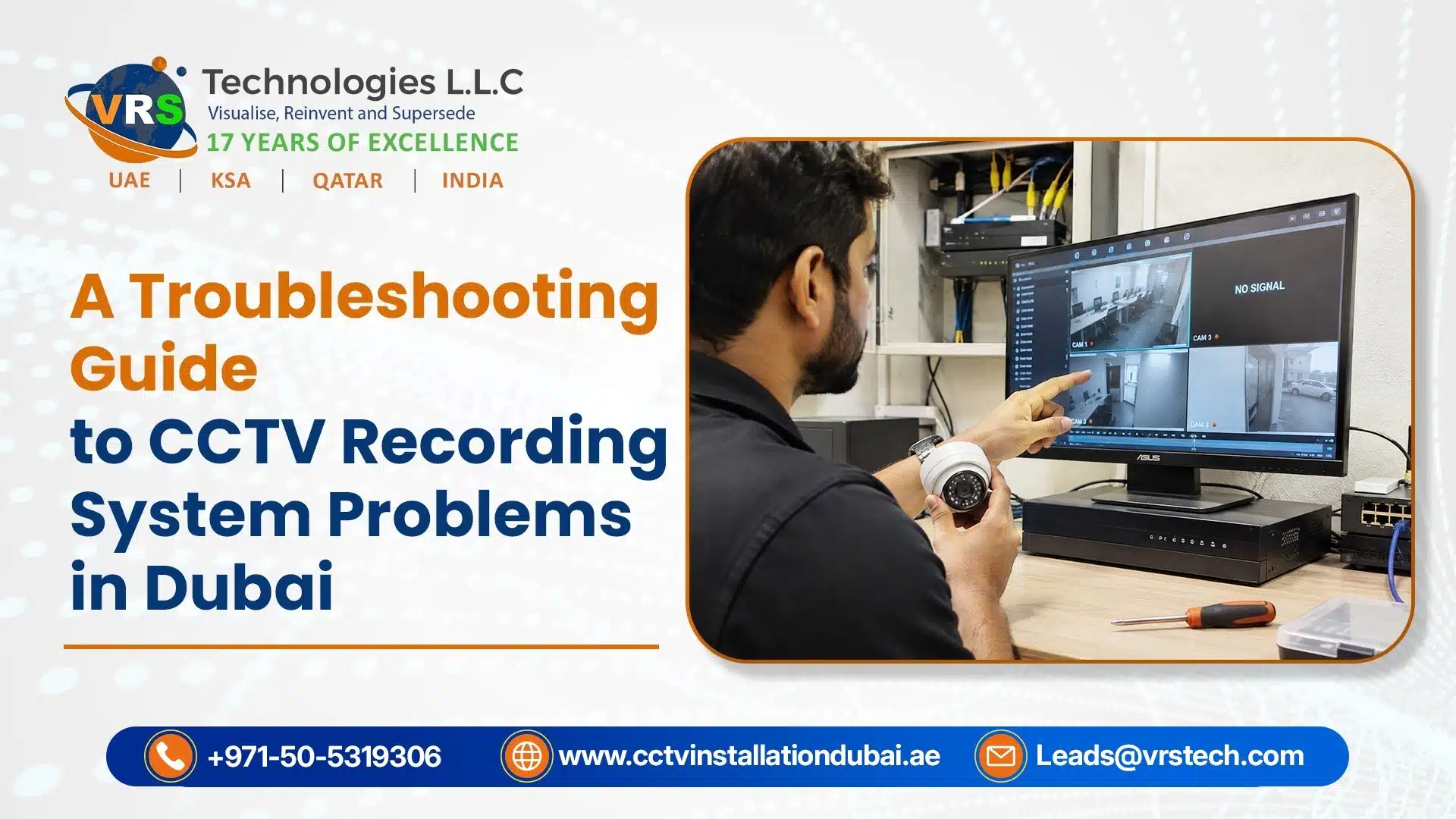
What Is the Difference Between a DVR and an NVR?
A Digital Video Recorder (DVR) is generally used with analog cameras. It receives video signals through coaxial cables and processes them for storage.
A Network Video Recorder (NVR) works with IP cameras that send video over a network, usually through Ethernet cables and network switches. Both systems store surveillance footage, but their connections and troubleshooting methods are different.
8 Common CCTV DVR and NVR Recording Problems
- CCTV Recorder Not Recording
Cameras may show live footage while the recorder fails to save it. Incorrect recording schedules, disabled channels, storage errors or motion detection settings can cause this problem.
- Hard Drive Not Detected
A DVR or NVR may display HDD errors when the drive is damaged, disconnected or not receiving proper power. A technician can inspect the connections and test the storage device.
- CCTV Playback Not Working
Playback may fail because of incorrect date selection, wrong camera channels, damaged recording files or hard drive errors. Check the selected time and channel before arranging technical inspection.
- Missing Recording Periods
Power interruptions, camera disconnections, network problems and incorrect schedules can create gaps in recorded footage. NVR systems may also experience interruptions when IP cameras lose network connectivity.
- Recorder Keeps Beeping
Repeated alerts can indicate a hard drive problem, network disconnection, overheating or power failure. Check the recorder’s warning messages instead of simply disabling the buzzer.
- IP Cameras Showing Offline
Loose Ethernet cables, faulty PoE ports, camera power issues or IP address conflicts can disconnect cameras from an NVR.
- Blurry or Freezing Footage
Poor video quality may result from unstable network connections, incorrect camera settings, insufficient bandwidth or recorder performance issues.
- Remote Viewing Not Working
Remote access can fail because of internet problems, router changes, incorrect network settings or application login issues. If local viewing works, the network and remote access configuration may need checking.
How Professional CCTV Recorder Repair Works in Dubai
A proper repair process starts by identifying the actual fault. A technician generally:
- Inspects the recorder, power supply, cables and connected cameras.
- Tests live viewing, recording and playback.
- Checks hard drive health and storage status.
- Reviews network connections, recording schedules and system settings.
- Repairs or replaces faulty components where required.
- Tests the system again to confirm recording and playback.
Should You Repair or Replace Your CCTV Recorder?
Repair may be suitable for minor connection, configuration, power or storage problems. Replacement may be a better option if the recorder has major hardware damage, lacks required features or cannot support the existing cameras.
If saved footage is important, avoid formatting or initializing the hard drive before seeking professional advice.
How to Prevent CCTV Recording Problems
Check storage health, recording schedules, camera connections and playback regularly. Keep the recorder ventilated and review system alerts. For establishments covered by Dubai’s SIRA requirements, an annual maintenance contract with a SIRA-registered company must include at least four preventive visits per year.
Final Thoughts
Regular checks and timely technical support help businesses maintain reliable surveillance and avoid unexpected recording gaps. For professional CCTV Maintenance in Dubai, contact VRS Technologies LLC.
Visit our website www.cctvinstallationdubai.ae or call +971-50-5319306 to discuss your CCTV system requirements.
FAQs
- What is the difference between a CCTV DVR and an NVR?
A DVR works with analog cameras using coaxial cables, while an NVR records footage from IP cameras over a network.
- Why is my CCTV DVR or NVR not recording footage?
Common reasons include hard drive errors, incorrect recording schedules, disabled channels and storage configuration problems. - Can a CCTV recorder be repaired without replacing the entire system?
Yes, many issues involving storage, power, connections and software settings can be resolved without replacing the recorder. - How can I prevent CCTV recording problems?
Regularly check hard drive health, camera connections, recording schedules, playback and system alerts to identify faults early.